
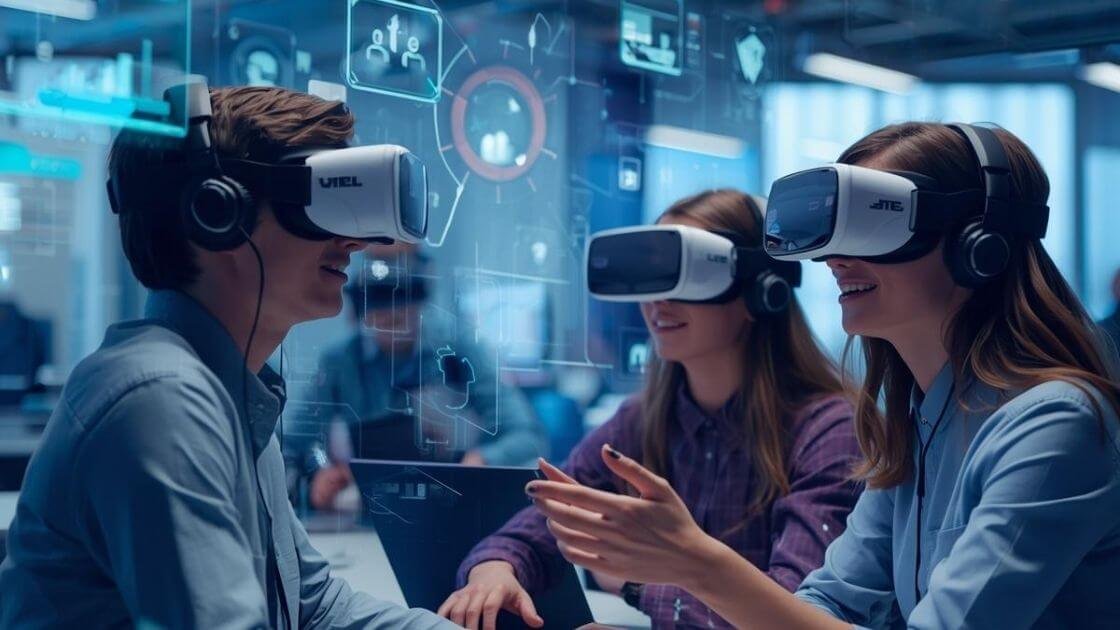
The Best VR Meeting Software for Small US Startups
As we know, the way we work has changed forever. For US startups, remote work has become a standard. However, video calls are making us feel exhausted. A major issue for small teams is Zoom fatigue. Founders are looking for a way to improve this modern technology. They wish to have a sense they are in the same room.
Virtual Reality (VR) is useful in this situation. In 2026, VR is more than just an idea. It is an effective technique for improving efficiency. Moreover, the field of spatial computing has grown. Faster and lighter devices are available now.
For a small startup, the right VR meeting software may create its unique way of working. Product cycles may be improved by this modern tool. It can also restore the human touch to remote work. Through this informative guide, we will share useful, budget-friendly tools that are best for small teams.
Beyond the Video Calls: Why US Startups are Moving to VR
Why does everyone think about VR? Standard video calls have many limitations. They frequently feel exhausted and disconnected. A sense of shared space is provided by VR meetings. It changes everything because of this “spatial presence.”
There are some reasons why US startups are moving to VR. We will discuss these reasons below:
Solving ‘Zoom Fatigue’ through Spatial Presence
Zoom fatigue is a real issue. During boring video calls, our brains work hard. When we engage in these video calls, we lack natural body language and eye contact.
However, VR changes the entire situation now. You are aware of who is speaking in a virtual room. To listen, you can turn your head. This thing feels more natural and reduces mental stress. Because of this, meetings can become more interesting and less boring.
Building Culture in Remote-First Teams: The ‘Watercooler’ Effect
Natural ideas are the engine of startups. These ideas happen at the watercooler or coffee machine. This is lost in remote work. VR can restore it. There can be a lounge area in a virtual office. Team members can come into unexpected contact with each other. They can engage in short, informal conversations. This thing builds friendship and promotes the casual relationships that increase creativity.
The Shift from 2D Meetings to Spatial Computing
There is no longer a hardware gap. Small teams can buy the Meta Quest 3S in 2026. Advanced “pass-through” for mixed reality is also available with the Apple Vision Pro. Now, you’re not just looking at a screen. You are engaging with digital objects in your actual environment. This is called spatial computing. With this wonderful thing, you can carry out multiple tasks in 3D. It also gives digital work a physical sense.
Top-Rated VR Meeting Platforms for Small Teams
Selecting software is important because the right platform fits your workflow and budget. Here are the best VR meeting platforms for startups in 2026.
Meta Horizon Workrooms: The Best All-Rounder
This platform is an excellent place to start. It is designed to work with the Quest headset. You can use VR on your computer screen. Sticky notes, screen sharing, and whiteboards are available. It is a lovely touch to have a personal office. You can use it for free. Because of this, it is ideal for trying new things. What is the disadvantage? It works best in the Meta ecosystem.
Microsoft Mesh: Best for M365 Ecosystems
Are you using Microsoft Teams at your startup? In this case, Mesh is the best choice. It works with your Outlook calendar directly. Mesh spaces can be joined from within Teams calls. It makes use of your current Microsoft account. IT management is made easy by this. It is reliable and works with the current business workflow.
Arthur: Best for High-Security and Strategy
Arthur is built for business needs. It has the atmosphere of a proper conference center. The avatars have greater accuracy. It provides strong admin controls. The most important thing is security. Strict U.S. and EU data regulations are followed by this platform. This is crucial when talking about sensitive startup techniques. The environments are created for focused work. It works great for client pitches and board meetings.
Campfire: Best for Engineering and Hardware
Are you creating physical products? Campfire is made to work with CAD files. Because of this software, engineers can view 3D plans at scale. You can walk around a building or a virtual engine. Furthermore, it solves the “how does this look in real life” issue. Despite being a niche tool, it is important for hardware startups.
Spatial: Best for Creative Agencies
Spatial works best for visual thinkers. It changes meetings into gallery walks. It is simple to import images, videos, and 3D models. Team members can walk around a design. They can analyze it in all directions. Architects and product designers can benefit greatly from this. The user interface is simple to use. It is suitable for smartphones, VR, and browsers. Everyone will be able to join by using this platform.
Key Selection Criteria for Startup Founders
Do not just select the most attractive tool. It is important to decide using some important requirements. These requirements are as follows:
Cross-Platform Compatibility: VR, Desktop, and Mobile
Not everyone is interested in wearing a headset all day. Your software needs to work on a laptop as well. We refer to this as ‘hybrid access.’ Look for apps that have a “spectator mode” feature. By doing this, no team member is left out. A good tool works on PC, Mac, and VR headsets.
Integration Capabilities: Connecting Your Stack
It is important to know that a meeting tool should not be an island. It must communicate with the other apps you have. Would it be possible to import a Google Doc? Can you share a Figma link? The top VR apps work with Jira and Slack. This maintains a smooth process. To check a message, you don’t want to remove the headset.
Security & Compliance: SOC-2 and Data Privacy
For US businesses, security cannot be compromised. Make sure the platform is encrypted from beginning to end. It is crucial to look for providers who are certified in SOC-2. Startups deal with intellectual property regularly. You don’t want your ideas to be exposed. Read the privacy policy about data storage at all times.
Scalability: From Seed Stage to Series A
Start with a team of five people. However, plan for ten to fifty people. The platform you’ve chosen needs to grow with you. Look at its different pricing levels. Does it charge per user or offer a set price for the team? Which features become available at higher tiers? Stay away from getting a tool that becomes too expensive later.
The Comparison: VR Meetings vs. Traditional Video Conferencing
For a better experience, it is important to make a comparison of VR meetings with traditional video conferencing. We will compare these two meeting formats across important financial and operational aspects relevant to a startup’s investment decision in the following table:
| Investment Aspect | VR Meetings Model | Traditional Physical/Video Model |
| Initial Hardware | $300 per person (Quest 3S) | More than $1,500 (Laptop/Monitor setup) |
| Office Overhead | $0 (Fully Remote) | Over $12,000 per employee/year |
| Engagement | High (Deep work, no phones) | Medium/Low (High multitasking) |
| Software Cost | $15 to $35 per user/month (SaaS) | $15 to $25 (Zoom/Teams/Slack) |
| Culture Impact | 58% boost in team closeness. | Zoom fatigue and isolation. |
| Team Offsites | $0 (Fully Remote) | $2,000 to $4,000 per person |
Implementation Guide: How to Onboard Your Team
For a smooth implementation to adoption, knowing about some steps is important. These steps include the following:
Setting Up Your First ‘Virtual Headquarters’
Do not just arrange random meetings. It is crucial to build a ‘home base’ and create an online space with your logo. For continuing projects, set up permanent whiteboards. Make it seem like the place of your team. This creates a feeling of place and belonging.
Establishing VR Meeting Etiquette
VR offers new social rules. Avoid getting too near someone’s avatar. It feels annoying. Click the ‘mute’ button if there is background noise. Taking breaks should be encouraged by people. A VR session is typically limited to 45 minutes.
Overcoming Common Hurdles
Some people are initially uncomfortable. Starting with short sessions to deal with this issue is crucial. Make use of stationary modes. Select smooth, comfortable settings. Keep chargers close at hand to extend battery life. Think about using external battery packs for extended sessions. Most headsets can be charged for two to three hours.
Future Outlook: The Role of AI in VR Collaboration
It is a wonderful idea to combine VR with artificial intelligence (AI). This will increase creativity. Below, we will talk about this matter:
Real-Time Language Translation
Imagine a meeting with marketers in San Francisco and developers in Kyiv. It is important to remember that everyone speaks their mother tongue in this scenario. Real-time and spatial audio translation is made possible by AI. It would have a natural touch. This reduces the final hurdle to global talent collaboration.
AI-Generated Meeting Summaries
The AI takes action after a brainstorming session. It creates a summary. Important choices are mentioned. Action objects are given out. The summary is displayed on the wall of the virtual meeting room. It can be reviewed later by team members. This ensures that nothing is lost or forgotten.
To Sum Up
VR meetings are an ideal investment for U.S. startups. This modern software improves team culture and reduces Zoom fatigue. The proper platform adds the human touch to remote teamwork. As we know, the initial cost is real. However, there are many benefits, such as stronger teams and faster decisions. Start small by implementing an early version program. Allow your staff to directly witness the difference. The work in the future will be connected rather than just remote.